

Why Your Image-to-Prompt Outputs Are Too Generic (And How to Fix It)
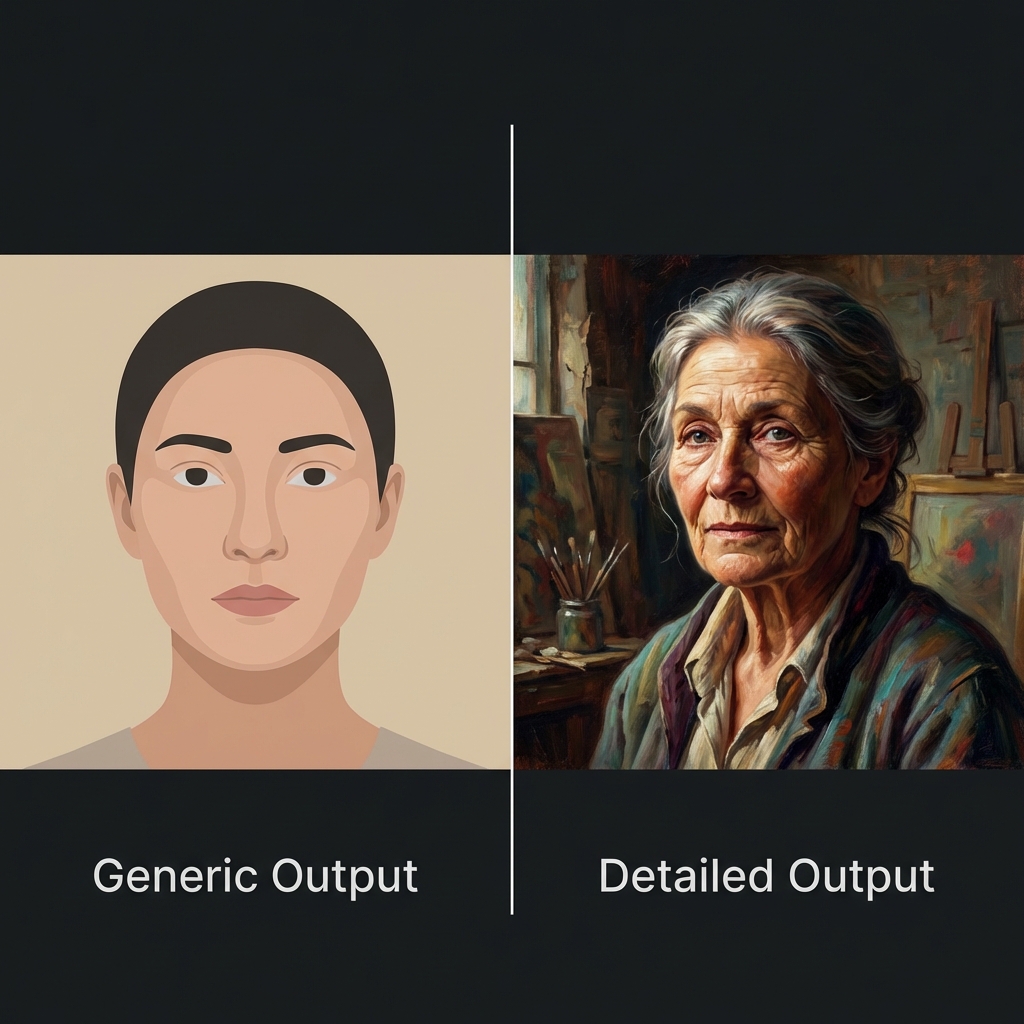
Have you ever uploaded a stunning image to an image-to-prompt generator, eagerly waiting for that perfect prompt… only to get something disappointingly vague?
"A woman standing in a field."
"A city at night."
"A portrait of a person."
If you've experienced this frustration, you're not alone. I've been there too — staring at generic outputs that completely miss the magic of the original image. The lighting, the mood, the artistic style… all reduced to basic descriptions that could apply to a million different images.
But here's the good news: generic outputs aren't inevitable. Once you understand why they happen and how to work around them, you can transform those bland prompts into detailed, creative descriptions that actually capture your vision.
The Problem: Why Image-to-Prompt Tools Generate Generic Outputs
Before we dive into solutions, let's understand what's happening behind the scenes.
1. The AI Plays It Safe
Most image-to-prompt tools are trained to be accurate first, creative second. They prioritize identifying what's objectively in the image — objects, people, settings — rather than interpreting artistic choices like mood, style, or atmosphere.
The result? Technically correct but creatively flat descriptions.
2. Missing Context and Nuance
An image might evoke a specific feeling — nostalgia, mystery, warmth — but AI models often struggle to capture these subjective qualities. They see pixels and patterns, not emotions or artistic intent.
3. Limited Vocabulary for Visual Concepts
Photography and art have rich, specialized vocabularies: "golden hour lighting," "bokeh effect," "Dutch angle," "chiaroscuro." Many image-to-prompt tools default to simpler, more common terms, missing the nuanced language that makes prompts truly powerful.
4. One-Size-Fits-All Approach
Different AI art generators (Midjourney, Stable Diffusion, DALL-E) respond better to different prompting styles. A generic tool might not optimize for your specific platform, leading to prompts that work "okay" everywhere but excel nowhere.
The Solution: How to Get Better, More Detailed Prompts
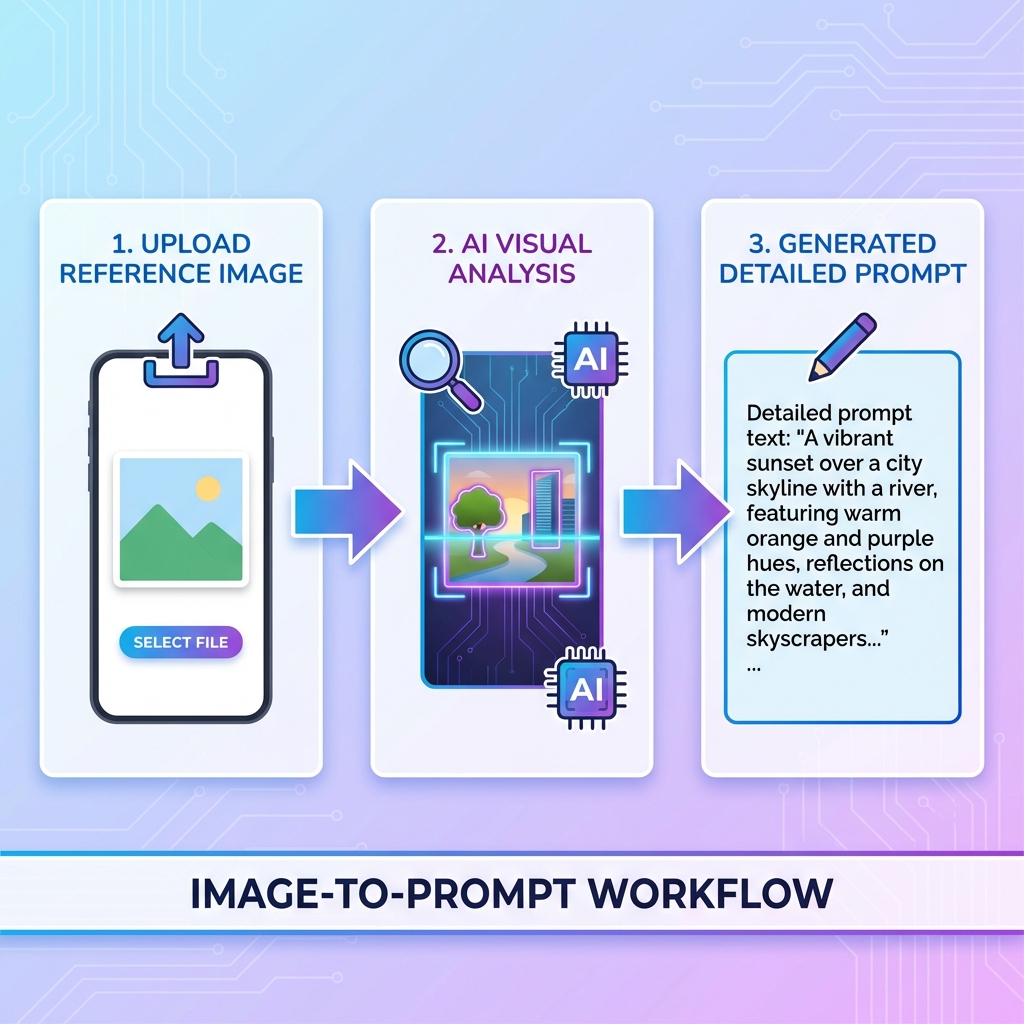
Now that we understand the problem, let's fix it. Here are proven strategies to transform generic outputs into creative, detailed prompts.
1. Choose the Right Tool for the Job
Not all image-to-prompt generators are created equal. Some are specifically optimized for certain platforms or artistic styles.
For example, Image2Prompts.com is specifically optimized for Nano Banana (formerly Midjourney), meaning it understands the specific language and parameters that work best with that platform. It doesn't just describe what it sees — it translates visual elements into Nano Banana's prompt syntax.
Pro tip: Look for tools that:
- Specialize in your target AI art platform
- Offer customization options
- Provide detailed, layered descriptions rather than single-sentence outputs
2. Add Context Through Tool Settings
Many advanced image-to-prompt tools let you specify what you're looking for:
- Style focus: Emphasize artistic style, lighting, or composition
- Detail level: Request more descriptive language
- Platform optimization: Tailor outputs for Midjourney, Stable Diffusion, etc.
- Mood/atmosphere: Prioritize emotional tone over literal description
If your tool offers these options, use them! They dramatically improve output quality.
3. Manually Enhance Generic Outputs
Even if you get a basic prompt, you can transform it by adding layers of detail:
Generic output:
"A woman in a garden"
Enhanced version:
"A cinematic portrait of a woman in a lush garden, soft golden hour lighting, shallow depth of field, 85mm lens, warm color palette, film grain texture, dreamy atmosphere"
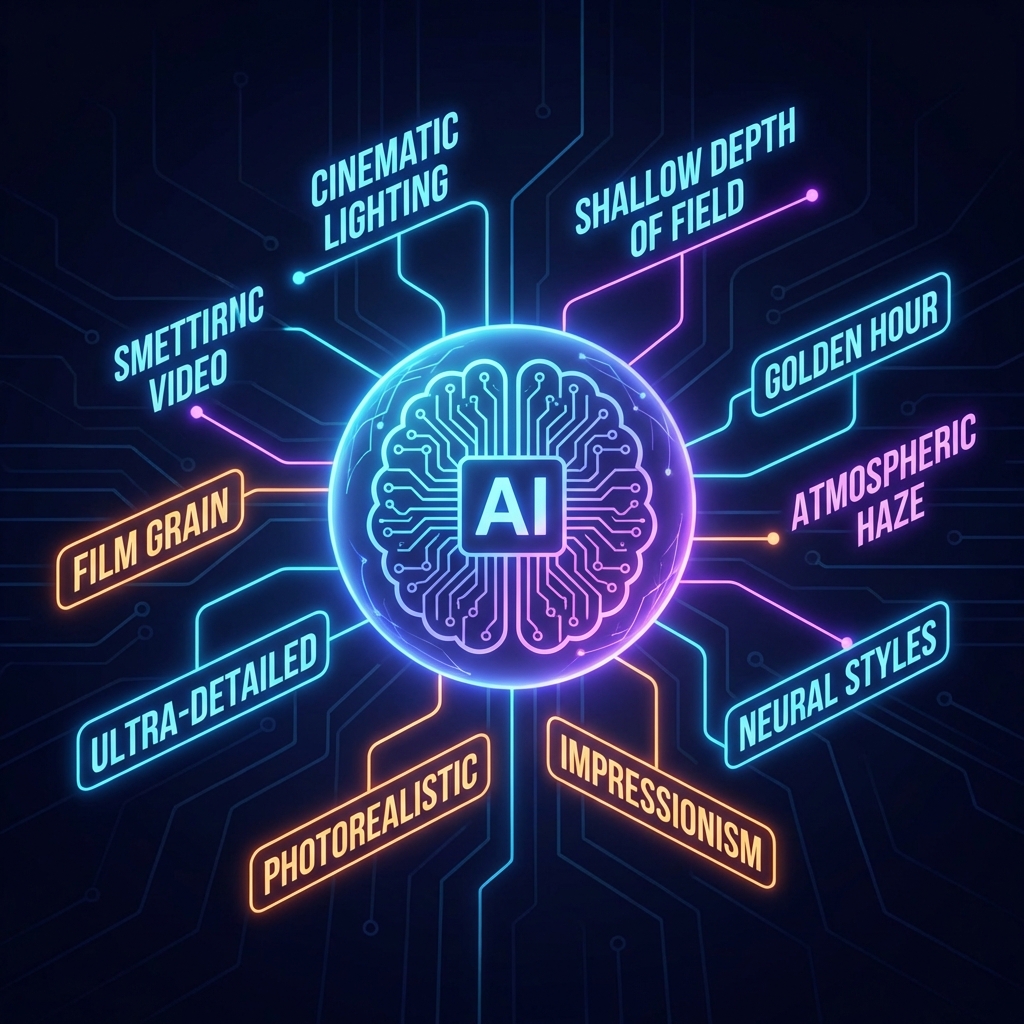
Key elements to add:
- Lighting: golden hour, rim lighting, soft shadows, dramatic contrast
- Camera/lens: 85mm portrait, wide-angle, macro, aerial view
- Artistic style: oil painting, watercolor, photorealistic, minimalist
- Mood/atmosphere: dreamy, mysterious, energetic, melancholic
- Technical details: depth of field, film grain, color grading, composition
4. Use Multiple Images for Better Context
If your tool supports it, upload multiple reference images showing:
- Different angles of the same subject
- Variations in lighting or mood
- Style references
This gives the AI more context to understand what you're actually trying to achieve.
5. Iterate and Refine
Don't settle for the first output. Try:
- Regenerating with slightly different settings
- Combining outputs from multiple tools
- A/B testing different versions in your AI art generator to see what works best
Understanding Prompt Anatomy: What Makes a Great Prompt?
Let's break down what separates generic prompts from exceptional ones:
Generic Prompt Structure:
[Subject] + [Basic Setting]
Example: "A cat on a windowsill"
Detailed Prompt Structure:
[Subject] + [Action/Pose] + [Setting] + [Lighting] + [Style] + [Mood] + [Technical Details]
Example: "A fluffy orange cat lounging on a sunlit windowsill, soft morning light streaming through lace curtains, cozy domestic atmosphere, shallow depth of field, warm color palette, film photography aesthetic, 50mm lens"
The difference is night and day. The second prompt gives the AI generator specific visual instructions, resulting in a much more intentional, artistic output.
Platform-Specific Optimization
Different AI art platforms respond to different prompting styles:
Midjourney / Nano Banana
- Loves descriptive, artistic language
- Responds well to photography terms (lens, lighting, composition)
- Benefits from style references and mood descriptors
- Example: "cinematic portrait, golden hour lighting, shallow depth of field --ar 16:9 --style raw"
Stable Diffusion
- Works well with detailed, comma-separated lists
- Responds to technical photography terms
- Benefits from negative prompts (what to avoid)
- Example: "portrait, soft lighting, detailed face, high quality, 8k, (blurry:0.8), (low quality:0.9)"
DALL-E
- Prefers natural language descriptions
- Works well with artistic style references
- Benefits from clear, specific instructions
- Example: "A photorealistic portrait in the style of Annie Leibovitz, with dramatic side lighting and rich colors"
Choose an image-to-prompt tool that understands these platform-specific nuances.
Real-World Example: Transforming a Generic Output
Let's walk through a real transformation:
Original Image: A moody landscape photo with fog rolling over mountains at sunrise
Generic Tool Output:
"Mountains with fog"
Optimized Output (using Image2Prompts.com):
"Ethereal mountain landscape at dawn, layers of fog rolling through valleys, soft pastel sunrise colors, atmospheric haze, cinematic wide-angle composition, misty atmosphere, serene and peaceful mood, landscape photography, high detail"
The Difference:
- ✅ Captures the mood (ethereal, serene)
- ✅ Describes the lighting (dawn, pastel colors)
- ✅ Includes composition details (wide-angle, layers)
- ✅ Adds atmospheric elements (haze, mist)
- ✅ Specifies style (landscape photography)
This is the kind of prompt that actually recreates the feeling of the original image.
Common Mistakes to Avoid
❌ Accepting the First Output
Always review and refine. The first generation is rarely the best.
❌ Ignoring Platform Differences
A prompt optimized for Midjourney won't necessarily work well in Stable Diffusion.
❌ Overloading with Keywords
More isn't always better. Focus on relevant, impactful descriptors.
❌ Forgetting Negative Prompts
Sometimes telling the AI what not to include is just as important.
❌ Not Testing Your Prompts
Always test your prompts in your target AI generator and iterate based on results.
The Power of Specialized Tools
Here's why I recommend using a specialized tool like Image2Prompts.com:
✅ Platform-Optimized: Specifically designed for Nano Banana/Midjourney
✅ Detailed Outputs: Goes beyond basic descriptions to capture mood, style, and atmosphere
✅ Free to Use: No subscription required
✅ Fast Processing: Get results in seconds
✅ User-Friendly: Simple upload interface, no technical knowledge needed
It's the difference between getting "a woman in a garden" and getting "a cinematic portrait of a woman in a lush garden, soft golden hour lighting, shallow depth of field, warm color palette, dreamy atmosphere."
Final Thoughts: From Generic to Exceptional
Generic image-to-prompt outputs are frustrating, but they're not a dead end. With the right tools and techniques, you can transform bland descriptions into rich, detailed prompts that truly capture your creative vision.
Remember:
- Choose specialized tools optimized for your platform
- Add layers of detail: lighting, mood, style, technical specs
- Iterate and refine — don't settle for the first output
- Test your prompts and learn what works
The goal isn't just to describe what's in an image — it's to capture the feeling, the style, the artistic intent behind it.
And when you get that right? That's when the magic happens.
Ready to transform your image-to-prompt workflow?
Try Image2Prompts.com — it's free, fast, and optimized for creating detailed, creative prompts that actually work.
Sometimes the difference between generic and exceptional…
is just knowing where to look.
